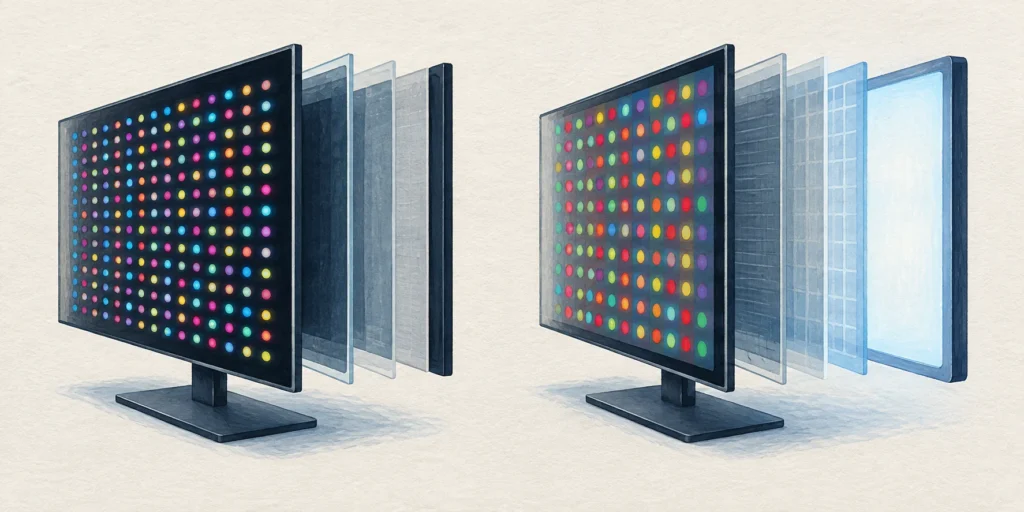
OLED pixels make their own light; conventional QLED TVs use a quantum-dot LCD panel with an LED backlight. QD-OLED and Mini LED explain why the labels need careful reading.
OLED pixels produce their own light. A conventional QLED TV uses quantum dots with an LCD panel and a separate LED backlight. That makes light control the main difference: OLED can switch individual pixels off, while a QLED LCD controls a backlight behind the image. [1][2]
This comparison uses QLED in its familiar consumer-TV sense: a quantum-dot LCD. QD-OLED is a different combination that uses OLED and quantum dots, so “contains quantum dots” does not automatically mean “has an LCD backlight”. [3]
Quantum dots alone do not identify the complete panel structure. [1][3]
Shared limit: gaming features
Read the exact model and input specifications.
Read the exact model and input specifications; the panel label is not a refresh-rate promise. [4]
Why light control matters in a dark scene
Picture a white subtitle against a nearly black film scene. OLED can illuminate the subtitle pixels while turning neighbouring black pixels off. In a backlit LCD, the panel and any dimming system must manage bright and dark content together. A backlight zone is not the same thing as an independently emitting image pixel. [1][2][4]
This explains what to look for, rather than predicting a measured result for every TV. In a comparison, use the same dark scene and look around bright text, then inspect shadow detail. Keep the viewing conditions comparable; a shop demonstration with different material does not answer the same question.
Conventional QLED: LED backlight → quantum-dot/LCD display system → picture.
Mini LED QLED: smaller backlight LEDs refine the second route; they do not turn it into OLED.
Simplified light-source paths, not exact layer order or an engineering cutaway. [1][2][4]
A practical way to compare two listings
Suppose two listings both say “quantum dot”, but one also says QD-OLED and the other says QLED LCD. Put the first in the self-emitting group and the second in the backlit group. Otherwise you would compare two descriptions of colour technology while missing the basic light-source difference. [1][3]
Then make three checks on each exact model: the screen technology; how a matching dark scene looks in comparable light; and the input features you actually need. For gaming, verify the supported resolution and refresh rate together. A headline maximum refresh rate can have source or connection conditions; it is not a guarantee for every signal. [4]
Brightness, reflections, viewing angles and price need model-level comparison. These two labels alone do not produce a complete buying verdict. Even the examples within one range have different specifications and conditions. [4]
Decode the extra label
A TV says QD-OLED: should I treat it as a backlit QLED?
No. QD-OLED combines OLED with quantum dots. Quantum-dot colour technology can be used with OLED, so identify the light source rather than stopping at “QD”. [3]
A QLED says Mini LED: has it become OLED?
No. In this context Mini LED describes its smaller backlight LEDs. OLED is self-emitting and does not need that separate backlight. [2][4]
Both boxes say 4K: does that settle the OLED–QLED difference?
No. Resolution and light-source architecture describe different things. Both types can be 4K; compare the panel design and the exact model’s specifications separately. [4]
Frequently asked questions
Does every QLED have the same local dimming?
No. Backlight design and control vary; the word QLED by itself does not specify the number or behaviour of dimming zones. [1][4]
Is OLED just an LED-backlit LCD with a different name?
No. OLED uses self-emitting pixels, which removes the need for a separate backlight. [2]
Sources
Source pages checked on 20 October 2026. The examples and self-checks were written for this article with AI assistance and checked against the listed material.
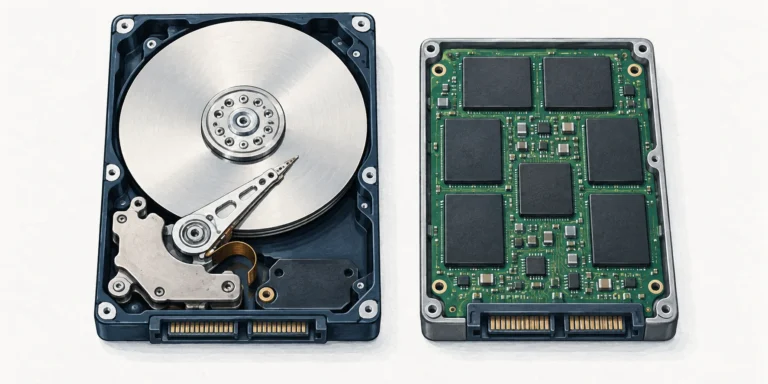
An HDD stores data on spinning magnetic platters; an SSD uses electronic flash storage. That changes access time and mechanical behaviour, but compatibility and copy speed need separate checks.
A Chromebook is a type of laptop running ChromeOS. The useful comparison is with Windows or macOS laptops, especially the apps, offline tasks and update life you need.
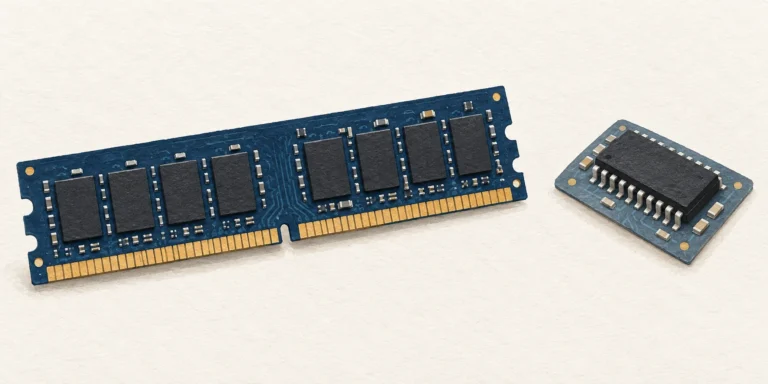
RAM is a computer’s writable working memory, usually losing its contents without power. ROM-family memory retains firmware or other data; some types can be deliberately reprogrammed.